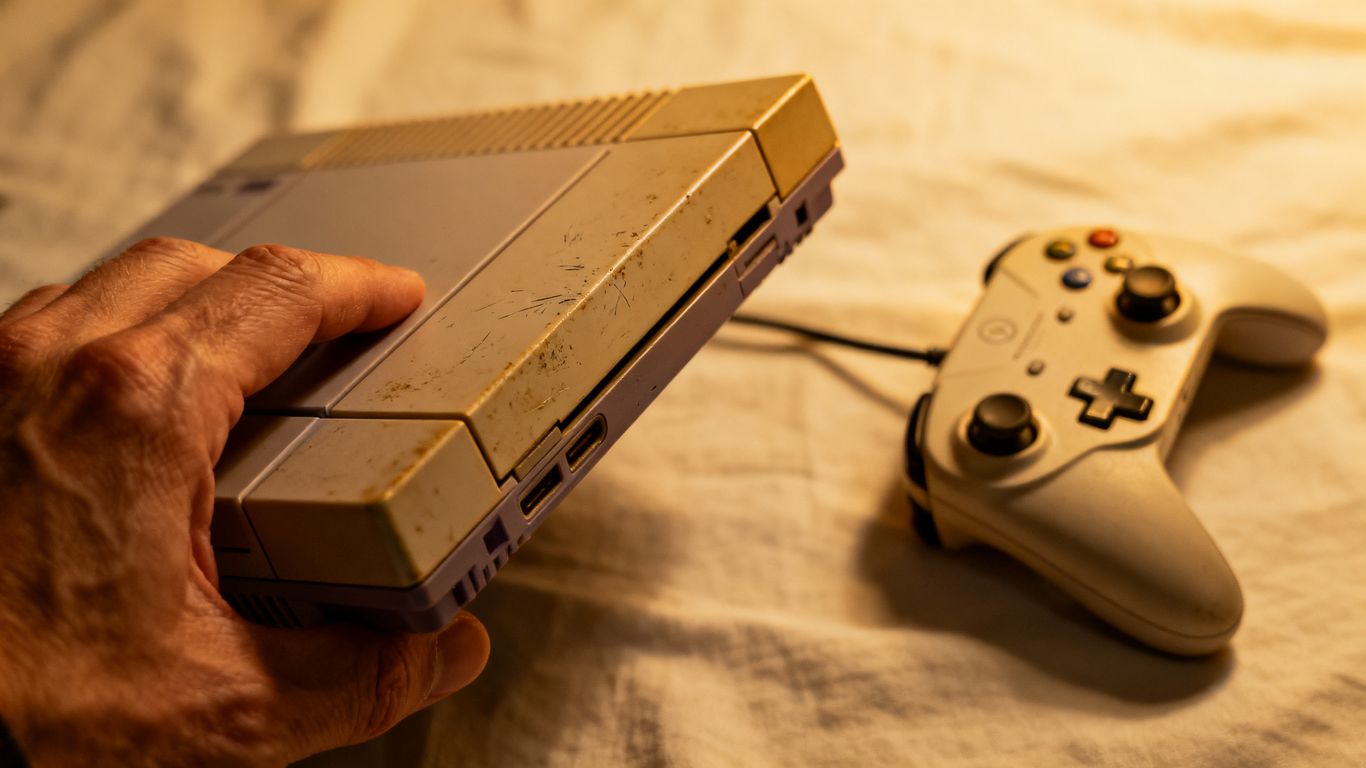
Thinking about snagging a used gaming console? Smart move! You can save a good chunk of cash compared to buying new. But, you don't want to end up with a dud, right? This used gaming console guide will walk you through what to look for so you can score a great deal and get straight to playing.
Key Takeaways
- Always check the console's physical condition for any damage, especially around vents and ports.
- Test that the disc drive or cartridge slot works, and confirm Wi-Fi and Bluetooth connect properly.
- Make sure all buttons and joysticks on controllers are responsive and not worn out.
- Verify the console has enough storage for your needs and that no account lockouts are present.
- Research the fair market value and the seller's reputation before making a purchase.
Assessing The Console's Physical Condition
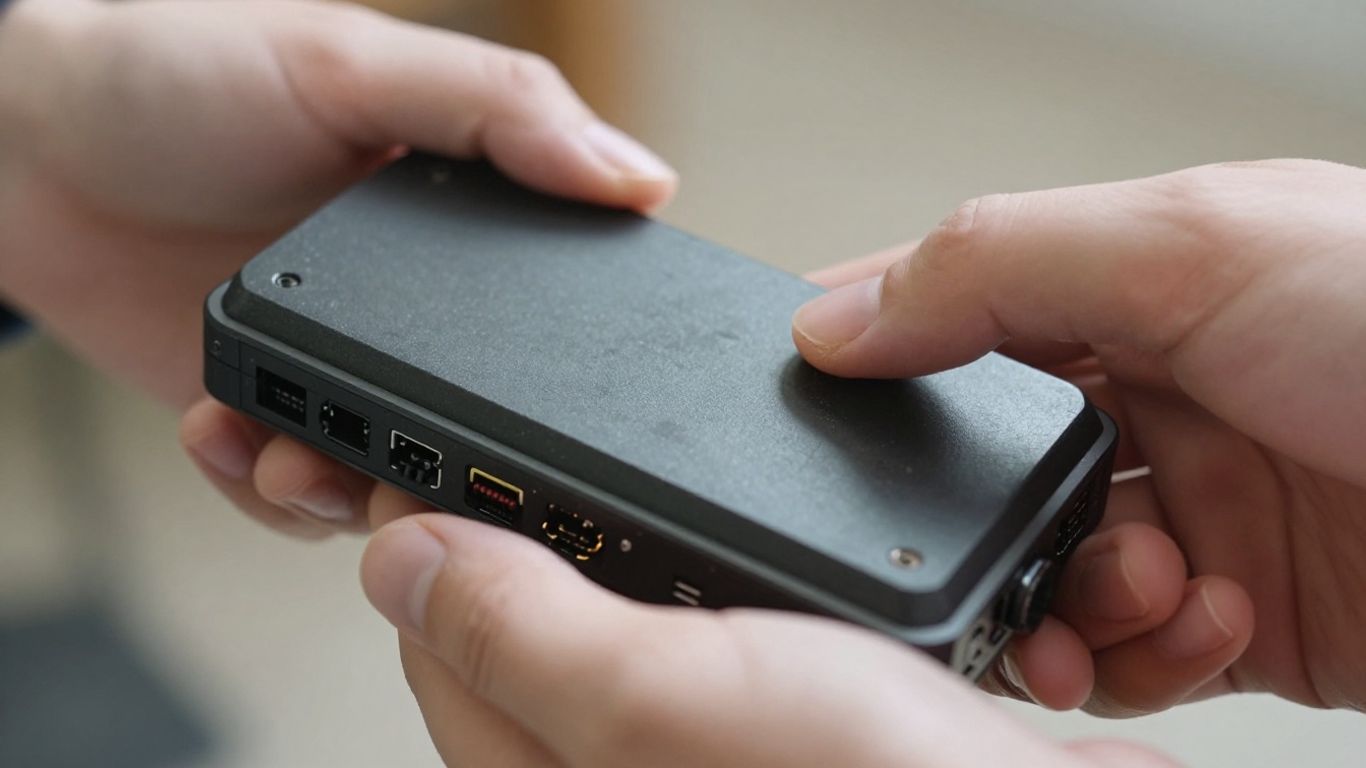
Before you hand over any cash, give the console a good once-over. You're not just looking for a quick fix; you want something that's been reasonably cared for. Think of it like checking out a used car – you wouldn't buy it without looking under the hood, right?
Inspect For External Damage
First things first, check the outside of the console. Are there any deep scratches, cracks, or dents? Minor scuffs are usually fine, but anything that looks like it took a serious hit could mean internal problems. Pay attention to the casing – is it warped or discolored? That could point to overheating issues. A clean exterior often suggests a console that's been handled with care.
Check Ventilation And Ports
Dust is the enemy of electronics. Look at the vents – are they caked with dust and gunk? If so, it means the console likely hasn't been cleaned regularly, and dust buildup inside can cause overheating and shorten its lifespan. Use a flashlight to peek inside. Also, check all the ports (USB, HDMI, power, etc.). Are they bent, corroded, or damaged? Damaged ports can be a real headache to fix.
Examine Controller Wear And Tear
Don't forget the controller! It's what you'll be holding most of the time. Check for:
- Cracks or deep scratches on the plastic.
- Worn-down analog sticks or rubber grips.
- Sticky or unresponsive buttons (if you can test it, great; if not, look for obvious signs of heavy use).
- Battery compartment condition (if applicable) – look for corrosion.
If the controller looks like it's been through a war, it might be a sign the whole system was used heavily. You can often find replacement controllers, but factor that cost into your offer. For example, a used PS Vita might come with a worn controller, but the console itself could still be a good deal if the price reflects it.
Remember, a console's physical state is a big clue about its past. If it looks neglected on the outside, there's a good chance it's neglected on the inside too. Be picky!
Verifying Functional Performance
Okay, so you've checked the outside, and it looks pretty good. Now comes the real test: does the darn thing actually work? This is where you can't be shy. You need to poke, prod, and play.
Test Disc Drive And Cartridge Slot
First up, the media reader. If it's a disc-based console, ask if you can pop in a game or movie. Watch to see if it loads reasonably quickly and if there are any weird grinding noises. A slow load time or constant whirring isn't a great sign. For older consoles that use cartridges, make sure the slot isn't full of dust bunnies. You might need to gently clean it yourself later, but for now, see if a game boots up without you having to wiggle the cartridge just right. A console that can't read games is basically a fancy paperweight.
Confirm Wi-Fi And Bluetooth Connectivity
Unless you're strictly an offline player, you'll want to make sure the wireless works. Ask to connect to the seller's Wi-Fi. It doesn't need to be a full online gaming session, just long enough to see if it finds the network and connects. If you're buying a controller separately or want to use wireless headphones, check if Bluetooth is functional. Sometimes this is harder to test on the spot, but if the seller has a compatible controller, it's worth a quick pairing.
Ensure All Buttons And Joysticks Work
This is super important, especially if you're buying a console that comes with controllers. Grab the controller and go through every single button. Don't just mash them; press each one deliberately. Check the D-pad, face buttons, shoulder buttons, and triggers. Then, move the analog sticks around. Look out for stick drift, where the character moves on screen even when you're not touching the stick. It's a common problem and can ruin your gaming experience. If possible, try playing a quick game or using a built-in diagnostic tool if the console has one. You want to be sure everything registers correctly.
Testing the core functions is non-negotiable. If you can't test the disc drive, Wi-Fi, or buttons, you're taking a big gamble. It's better to walk away if the seller won't let you verify these basics.
Evaluating Storage And Software
Check Internal Storage Capacity
When you're looking at a used console, one of the first things you should check is how much storage it has. This is especially important if you plan on downloading a lot of games, movies, or other digital content. Some consoles come with different storage options, so it's good to know what you're getting.
For example, the Xbox 360 often came with either a 20 GB or a 60 GB hard drive [9005]. Newer consoles can have anywhere from 500 GB to over 1 TB. If the seller doesn't specify the storage size, ask them directly. You can also usually find this information in the console's system settings once you power it on.
Verify System Software Is Up-To-Date
Make sure the console's operating system is current. Manufacturers regularly release updates that fix bugs, improve performance, and add new features. An outdated system might not be able to connect to online services or play newer games. You can usually check for updates in the system settings menu. If an update is available, ask the seller if you can connect it to Wi-Fi briefly to start the download, or at least confirm that it's ready to be updated.
Confirm No Account Lockouts Exist
This is a big one. Before you hand over any cash, you need to be absolutely sure the console isn't tied to the previous owner's account. If it is, you won't be able to access the online store, download games you've purchased, or even use some of the console's features. Always ask the seller to perform a factory reset while you're there, or at the very least, confirm that they have removed all their personal accounts and data from the system. You don't want to buy a brick!
Here's a quick checklist for this step:
- Ask the seller to log out of their account.
- Request a factory reset.
- Verify no profile information remains.
If a seller is hesitant to perform a factory reset or seems vague about account information, it's a major red flag. It's better to walk away than to end up with a console you can't fully use.
Examining Included Accessories
So, you've found a console that looks good and seems to work. Awesome! But wait, what else comes with it? The accessories can really add to the value, or sometimes, they're the reason a deal is so cheap. Don't overlook these details.
Assess Controller Condition and Functionality
Controllers are your main way of interacting with the console, so they need to be in good shape. Give them a good once-over. Look for any cracks, sticky buttons, or worn-out analog sticks. If you can, try holding them to see if they feel right in your hands. A worn-out controller can be a real bummer and might need replacing sooner rather than later. If the seller has multiple, ask to test them out. Check for drift on the joysticks – that's when the character moves on screen even when you're not touching the stick. It's a common issue and can make games unplayable.
Verify All Necessary Cables Are Present
This might seem obvious, but you'd be surprised how often essential cables go missing. You'll need the power cable, of course, and the correct video cable (usually HDMI these days, but older consoles might use different types). If it's a PlayStation or Xbox, you'll also need the controller charging cable if it's not a wireless-only model. Make a quick checklist before you buy.
Here's a basic rundown of what you might need:
- Power Cable
- HDMI Cable (or appropriate video cable for the console)
- Controller Charging Cable (if applicable)
- Any specific adapters or proprietary cables
Check For Original Packaging and Manuals
While not strictly necessary for gameplay, having the original box and manuals can be a nice bonus. It often means the previous owner took good care of the console. Plus, if you ever decide to sell it down the line, having the original packaging can sometimes fetch a better price. It's also a good sign that the seller might have kept other things in good condition. If you're a collector, this is definitely something to look for. You can often find great deals on gaming accessories online if you need to supplement what's included.
Understanding The Console's History
When you're looking at a used console, it's not just about how it looks on the outside. You really want to know what kind of life it's lived before it lands in your hands. Think of it like adopting a pet – you'd want to know if it was well-cared for, right? The same applies here.
Inquire About Previous Owners
Try to find out how many people owned the console before you. A single owner who took good care of it is usually better than one that passed through several hands. Sometimes, sellers will mention this in the listing, but it never hurts to ask directly. A simple question like, "How long have you owned it, and was it the original owner?" can give you some insight.
Ask About Any Prior Repairs
This is a big one. Has the console ever been opened up for repairs? If so, what was wrong with it? A console that's needed multiple repairs might be more prone to future issues. It's not always a deal-breaker, especially if the repair was minor and done by a reputable place, but it's definitely something to be aware of. You might want to ask, "Has this console ever needed any repairs or internal work?"
Determine If It Was Used For Mining Or Heavy Overclocking
This is a bit more niche, but for certain older consoles or PC-like gaming machines, you might want to consider if it was used for something beyond just playing games. For instance, if a console was ever used for cryptocurrency mining or heavily overclocked (running its components faster than intended), it could have a shorter lifespan. While less common for typical consoles, it's a good question to keep in the back of your mind, especially if the seller seems a bit too eager to offload it. You can often spot signs of heavy use or modifications if you look closely at the hardware itself, but asking directly is the first step.
Knowing a console's past can save you a lot of headaches down the road. A little digging now can prevent future disappointment and ensure you're getting a machine that's ready for many more gaming sessions.
Researching Fair Market Value
Before you hand over your cash, you gotta figure out if you're actually getting a good deal. Prices for used consoles can swing wildly depending on who's selling, where they're selling it, and what condition it's in. Doing your homework here can save you a bunch of money.
Compare Prices Across Online Marketplaces
This is your first stop. Hit up sites like eBay, Facebook Marketplace, and even specialized retro gaming sites. See what similar consoles are actually selling for, not just what people are asking. Look for completed listings to get a real sense of the market. You might find a console listed for $300, but if most of them are selling for $220, you know what your target price should be.
- eBay: Great for auctions and seeing a wide range of prices. Check 'Sold Items' to see what people actually paid.
- Facebook Marketplace: Good for local deals, often with less competition, but be ready to negotiate.
- Specialty Sites: For older or retro consoles, sites like Pricecharting.com can give you a good idea of value based on sales data.
Factor In Condition and Included Accessories
A console that looks like it survived a war and is missing half its cables isn't worth the same as one that's pristine and comes with all the original bits. Be realistic about this.
- Cosmetic Damage: Scratches, dents, or yellowing plastic? That knocks the price down.
- Functionality: Does everything work perfectly? If not, the price should reflect potential repair costs.
- Accessories: Does it come with the original box, manuals, extra controllers, or popular games? These add value.
Consider Refurbished Vs. Used Pricing
Sometimes, you'll see consoles listed as 'refurbished'. This usually means a professional (or at least a company) has checked it over, fixed any issues, and cleaned it up. These often come with a short warranty, making them a bit pricier than a standard 'used' item. A used Xbox One might be around $98, while a refurbished one could be closer to $150 or more, depending on the seller and what's included.
Remember, a console that's been babied and kept in a clean, smoke-free environment will always fetch a higher price than one that's been neglected. Don't be afraid to ask the seller about its history.
Here’s a rough idea of how things can stack up:
| Condition | Accessories Included | Estimated Value Range |
|---|---|---|
| Like New | Original Box, Manuals, 2 Controllers | High |
| Good | All Cables, 1 Controller | Medium |
| Fair | Some Cables, No Controller | Low |
| Poor | Missing Parts, Damaged | Very Low |
Considering The Seller's Reputation
Review Seller Feedback And Ratings
Before you even think about handing over your cash, take a good, hard look at who you're buying from. Online marketplaces are full of sellers, and not all of them are created equal. You wouldn't buy a car from a shady character on the street, right? Same idea applies here. Check out their feedback score. Most platforms show you a percentage of positive reviews. Aim for sellers with scores above 95%, ideally higher. Also, read the actual comments. Are people saying the console arrived broken? Did it get there late? Or are they raving about how well-packaged it was and how it works perfectly? This stuff is gold.
Look For Sellers With Clear Return Policies
Things can go wrong, even with the best intentions. What happens if you get the console home, plug it in, and it's got a hidden issue? A seller with a solid return policy can save you a lot of headaches. Look for sellers who offer returns within a reasonable timeframe, like 14 or 30 days. Make sure you understand the terms – who pays for return shipping if something's wrong? A seller who stands behind their product by offering a decent return window is usually a sign they're more trustworthy. It shows they're not just trying to offload a faulty item.
Be Wary Of Unrealistic Pricing
If a deal seems too good to be true, it probably is. You'll see consoles listed for way less than what they're typically going for. This is a huge red flag. Scammers often use super low prices to lure people in. Do your homework and know the going rate for the console you want, considering its condition and included accessories. You can check sites like eBay to get a feel for fair market value. If a seller is asking for significantly less than everyone else, it's worth being extra cautious. It might be a scam, or the console might have serious hidden problems.
Budgeting For Your Used Gaming Console Guide
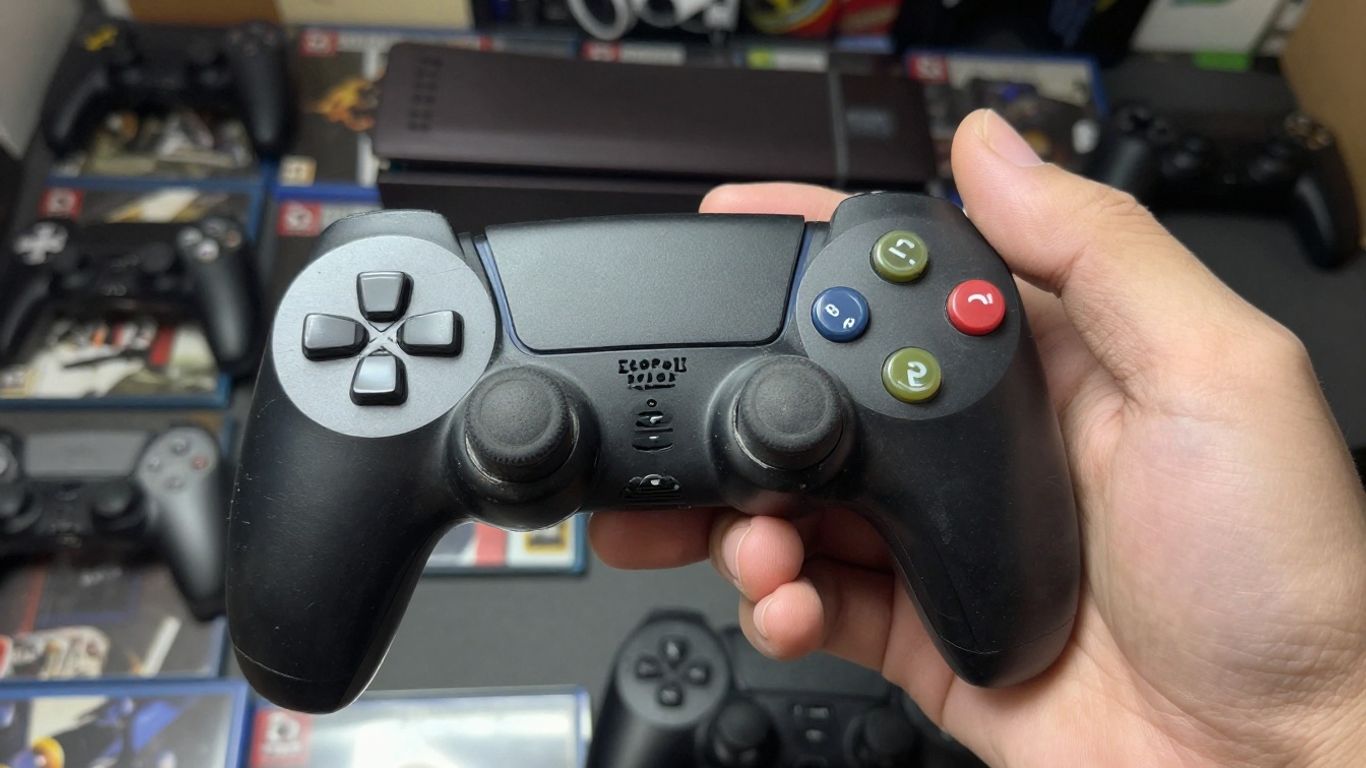
Alright, let's talk about the money part. Buying a used console can be a smart move, but you've gotta go into it with your eyes open about the costs. It's not just about the sticker price of the console itself. You need to think about the whole picture.
Set A Realistic Spending Limit
First things first, figure out what you can actually afford to spend. Don't just wander into a deal without a number in mind. Think about your current budget and how much room you have for this new toy. It's easy to get carried away, especially when you see all the cool stuff out there. Maybe you've been saving up, or maybe you're looking to spend a specific amount. Whatever it is, stick to it. This helps you avoid overspending and potential buyer's remorse later on.
Account For Potential Repair Costs
When you buy something used, there's always a chance something might not work perfectly, or it could break down sooner than you'd like. It's a good idea to set aside a little extra cash, just in case. This isn't about being pessimistic; it's about being prepared. If the console you're eyeing is a bit older, this is even more important. You might need to replace a worn-out fan, a faulty disc drive, or even just grab some new controller batteries. Having a small repair fund means you won't be stuck if a minor issue pops up right after you buy it.
Budget For Games And Accessories
So, you've got the console, but what are you going to play on it? Games can add up fast. If you're buying a console that's a few years old, you might find some great deals on used games. But don't forget about new releases or any must-have titles that might still be full price. Also, think about accessories. Do you need an extra controller? A headset? More storage? These things can really add to the total cost. Planning for these extras upfront will give you a clearer picture of the true cost of getting your gaming setup complete. It's all part of making sure you can actually enjoy your new console once you get it home.
Exploring Different Console Generations
When you're hunting for a used gaming console, thinking about the generation it belongs to is a big deal. It's not just about getting the latest and greatest; it's about finding the right fit for your wallet and your game library.
Evaluate Older Generations For Affordability
Older consoles are often where the real bargains are. Think about the PlayStation 4 or Xbox One. These systems have massive game libraries that are still fantastic, and you can snag them for a fraction of what a new console costs. Prices for these have really dropped, making them super accessible. You can often find a 1TB PS4 Slim for just over $100, and an Xbox One can be found for even less. It’s a smart move if you’re on a tight budget but still want access to tons of great games.
Consider Previous Generation Consoles For Game Libraries
Don't overlook the games! Sometimes, a slightly older console might have a game library that appeals to you more than the newest releases. Plus, games for older systems tend to be cheaper too. If you're a fan of specific franchises that peaked on, say, the PS3 or Xbox 360, picking up one of those might be more cost-effective than trying to find those games on newer hardware. It's all about what you want to play.
Research Next-Gen Consoles For Future-Proofing
Now, if you've got a bit more cash and want to be set for a while, looking at used versions of the current generation consoles, like the PlayStation 5 or Xbox Series X/S, makes sense. While they're still pricier, you can find decent deals on used models. A used PS5 with a disc drive might run you around $330, and a used Xbox Series S is often found for about $200. This gives you access to the latest games and technology, meaning your console won't feel outdated anytime soon. Remember, console generations typically last about five years, so buying into the current generation now means you'll be set for a good chunk of time. You can check out a timeline of all the console generations to get a better sense of where things stand here.
Buying used consoles from these previous generations can be a fantastic way to get a lot of gaming bang for your buck. Just make sure to check the console's condition thoroughly, as wear and tear can be more significant on older hardware.
Here's a quick look at what you might expect:
| Console Generation | Example Consoles | Typical Used Price Range | Key Considerations |
|---|---|---|---|
| Eighth Gen | PS4, Xbox One | $80 - $150 | Huge game library, affordable games |
| Ninth Gen | PS5, Xbox Series X/S | $200 - $400 | Latest tech, future-proof, higher game costs |
It's a balancing act between cost, game availability, and how long you want the console to last you. Think about what games you want to play now and what you might want to play in the next few years. That'll help you decide which generation is the right one for you.
Identifying Potential Scams
Buying a used gaming console can save you a good chunk of change, but you also need to watch out for people trying to pull a fast one. It’s not always obvious, but there are definitely some red flags to keep an eye out for. You don't want to end up with a broken console or, worse, get ripped off entirely.
Be Skeptical Of Vague Descriptions
When you're looking at listings online, pay attention to how the seller describes the item. If the description is super short, doesn't mention any specific details about the console's condition, or just says "works fine," that's a bit of a warning sign. A good seller will usually tell you about any cosmetic flaws, like scratches or scuffs, and confirm that everything is in working order. If they're being cagey, it might be because they don't want you to know about a problem.
- Look for details: Does the seller mention the specific model, how long they’ve owned it, or if it’s ever been repaired? Lack of this info is suspicious.
- Photos matter: Are there clear, well-lit photos from multiple angles? Blurry or limited photos can hide damage.
- Ask questions: Don't be afraid to message the seller and ask for more details. Their response (or lack thereof) can tell you a lot.
Avoid Unusual Payment Methods
This is a big one. Most legitimate sellers on platforms like eBay or Facebook Marketplace will stick to the platform's payment system. If someone insists on getting paid through methods that offer little to no buyer protection, like wire transfers, gift cards, or direct payment apps (Venmo, Cash App, Zelle) outside of the platform's system, run the other way. These methods make it really hard to get your money back if something goes wrong. Always use a payment method that offers buyer protection.
Here’s a quick rundown of payment methods to be wary of:
- Wire Transfers (e.g., Western Union, MoneyGram)
- Gift Cards (e.g., Amazon, Google Play)
- Direct Payment Apps (when used outside of platform escrow)
- Cashier's Checks (can be faked)
Look For Red Flags In Communication
How a seller communicates with you can be a major clue. Scammers often try to rush you into a decision or pressure you to move the conversation off the platform. They might also use generic or poorly written messages. If someone is constantly pushing you to buy now or trying to get you to chat on a personal email or text message instead of through the marketplace app, that's a big red flag. It's often an attempt to avoid accountability. Remember, legitimate sellers are usually patient and happy to answer your questions within the platform's messaging system. If they insist on moving the conversation off-platform, it's a sign they might be trying to avoid scrutiny.
Be patient and trust your gut. If a deal seems too good to be true, it probably is. Take your time, ask questions, and stick to secure payment methods. Your gaming console is waiting, but it's not worth the risk of getting scammed.
Be aware of online shopping traps! Scammers are always looking for new ways to trick people. Learning to spot the signs of a fake listing can save you a lot of trouble. Always check for unusual prices or strange descriptions. If something feels off, it probably is. Want to learn more about how to stay safe? Visit our website for tips and tools to help you shop smarter.
So, Ready to Score That Used Console?
Alright, so you've gone through all the checks, you know what to look for, and you're feeling pretty good about snagging a used gaming console. Remember, taking a little extra time to inspect everything can save you a lot of headaches down the road. It’s not just about the price; it’s about getting a system that actually works and won’t die on you a week later. Happy hunting, and may your next gaming adventure be a smooth one!
Frequently Asked Questions
What should I look for first when buying a used console?
First off, give the console a good once-over. Check for any big scratches, cracks, or dents on the outside. Make sure the vents aren't blocked up with dust, as that can cause it to overheat. Also, peek at all the ports to see if they look bent or damaged.
How can I make sure the console actually works?
The best way is to test it out! If you can, try putting in a game disc or cartridge to see if it reads it. If you can connect it to Wi-Fi, try checking if it can get online. And definitely press every button on the controller and move the joysticks around to make sure they all feel right.
What about the storage and software?
You'll want to know how much space is on the hard drive for games and apps. Also, ask if the system software is up to date. It's super important to make sure the previous owner has signed out of their account, so you don't get locked out later.
What accessories usually come with a used console?
Typically, you should get at least one controller and all the necessary cables (like power and HDMI). Sometimes, you might even get the original box and manuals, which is a nice bonus!
Is it important to know the console's past?
Yes, it can be! Asking about previous owners or if it's ever been repaired can give you clues about its condition. You definitely want to avoid consoles that might have been pushed too hard, like for mining or extreme overclocking.
How do I know if I'm paying a fair price?
Do a little homework! Look up similar consoles on sites like eBay or other online marketplaces. Compare prices, and remember to factor in how good the console looks and what accessories come with it. Sometimes, refurbished ones can be a good middle ground.
What should I watch out for with the seller?
Check the seller's reviews and ratings. Do they have a lot of positive feedback? Also, see if they have a clear return policy, just in case something goes wrong. If a price seems too good to be true, it probably is!
Are older consoles still worth buying?
Totally! Older consoles are often way cheaper and still have access to tons of awesome games. Even if they aren't the newest, they can be a fantastic way to get into gaming or revisit classics without spending a fortune.